

Edit
Edit in Context
Try style, text, size, and image changes on the live page.
CssVislab gives designers and frontend teams one workspace for Overview, Inspector, Colors, Typography, and Assets.

Stay in one workflow, export cleaner code instantly, and review UI quality faster.
Context Switching: inspect and verify directly on the live page
Export: extract clean Tailwind or plain CSS from your selection
QA review: spot style drift and cleanup targets more efficiently
CssVislab keeps the full review loop tight: edit in context, track changes, scan the page, locate exact targets, and export cleaner implementation output without switching tools.
Try style, text, size, and image changes on the live page.
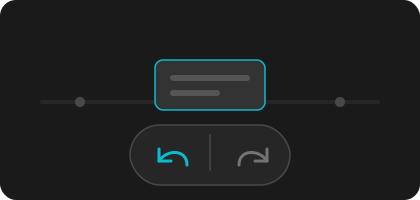
Roll edits back, replay them, and compare directions quickly.
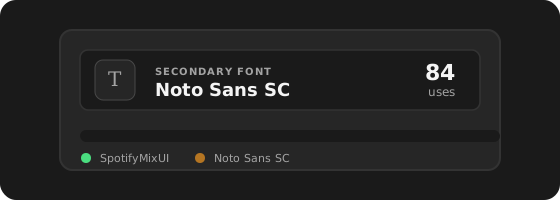
See page-wide colors, type, assets, and structure before editing.
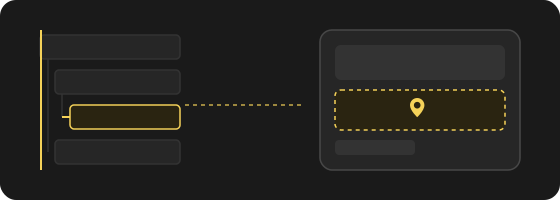
Jump from scan results straight to the exact DOM target.
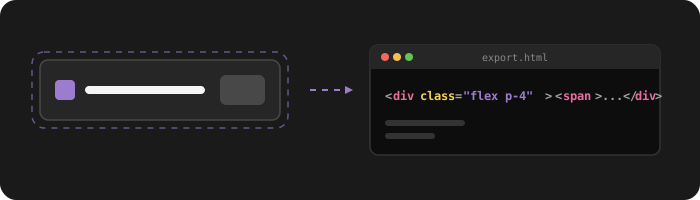
Export selected UI as HTML + CSS or Tailwind HTML for handoff.

Inspect computed styles, box model, effects, and clean CSS on the selected node.
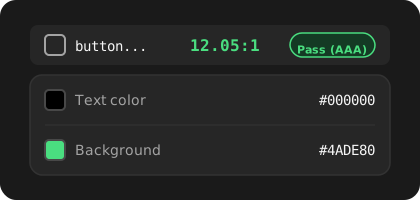
Flag WCAG text contrast risks and open affected page context.
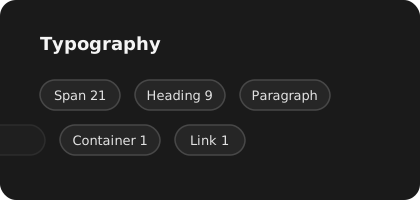
Group text styles by role and inspect real page instances.

Open real page usage from a color result instead of a hex list.
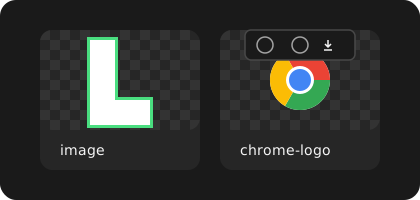
Collect images and media, then inspect, locate, or download them.
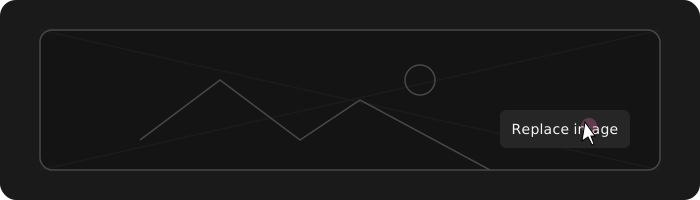
Swap page images in place to validate visual direction quickly.
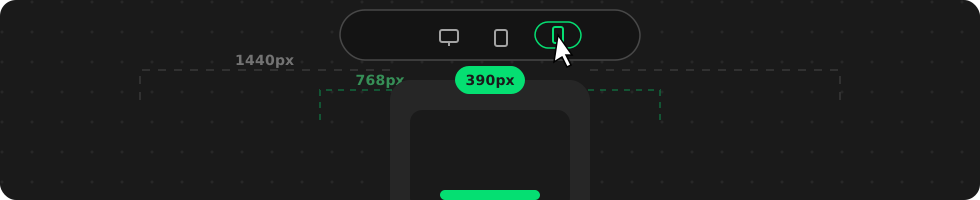
Switch across viewport sizes to review layout, style, and component behavior quickly.
Free covers core inspection. Paid tiers unlock advanced contrast, live edit, deeper actions, and exports.
Core inspection and baseline scans
Advanced editing and export workflows for high-frequency audits
Key questions before your first production scan
Start with baseline scans, then unlock advanced edit and export workflows when your team needs deeper control.